01 / START THE SHIFT
Clock in. Open POS.
Enter your unique PIN, confirm that you’re starting work, and go straight to the register. Already clocked in? Open POS directly.

Give employees a clear view of their workday. Keep clock-ins, breaks, schedules, punch corrections, and labor insights connected to your Tastio register.
Personal employee views. Permission-based management tools.
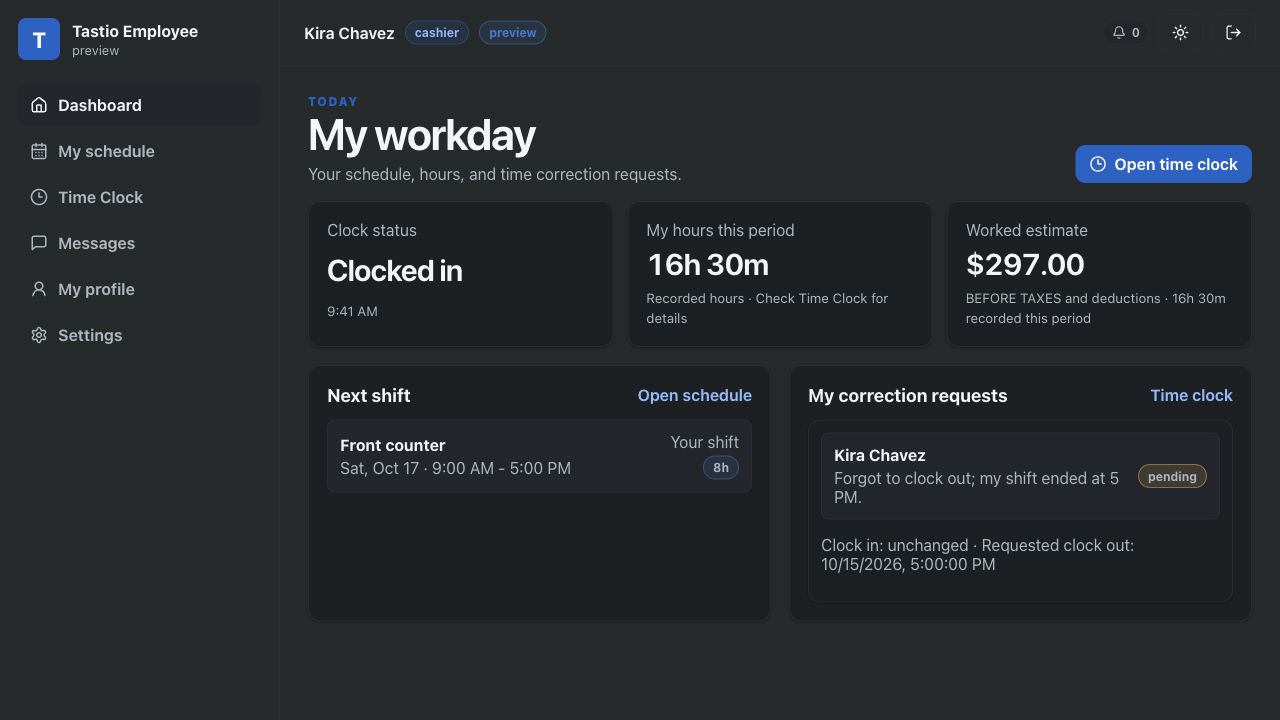
Keep the next step close to the register. Employees confirm changes to their time before Tastio records them.
Enter your unique PIN, confirm that you’re starting work, and go straight to the register. Already clocked in? Open POS directly.
Confirm your break and see how long you’ve been away. When you return, Open POS asks you to confirm ending your break before the register opens.
Choose Clock out & finish shift and confirm. Your shift ends, any open break closes, and the register returns to PIN entry.

Employees get the information they need for their day. Team-wide tools and wage visibility follow assigned permissions.
Someone forgot to clock out. Someone else missed their clock-in. Give the team a clear way to resolve it.
Employees submit a correction for manager review. Authorized managers can edit a punch, close an overnight shift, or add a missed shift. Each management change requires a reason, with checks for overlapping time and payroll locks.
Employee requests change recorded punches only after approval.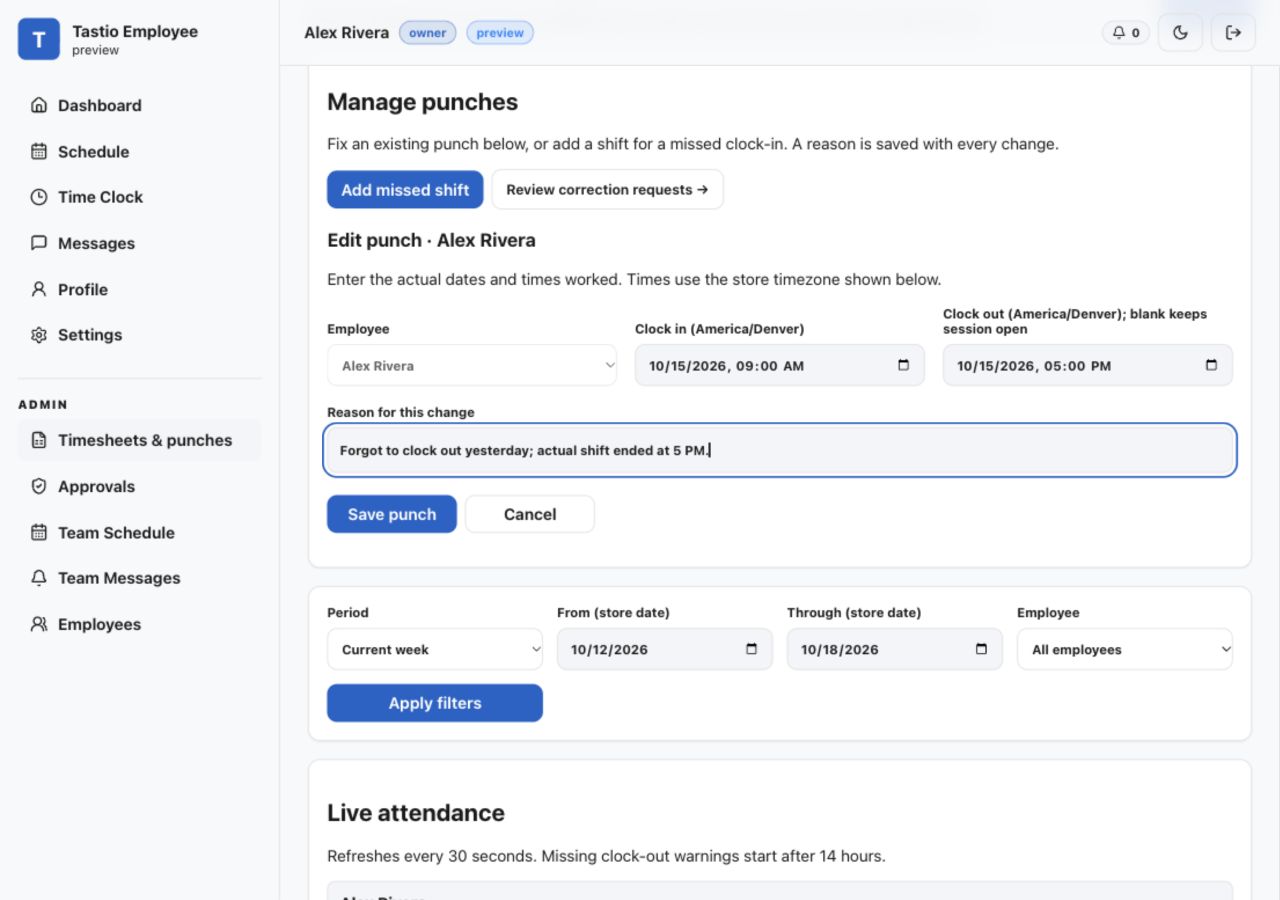
Choose a labor-cost target. See the net sales needed, the remaining sales gap, and the current labor percentage for the same dashboard period.
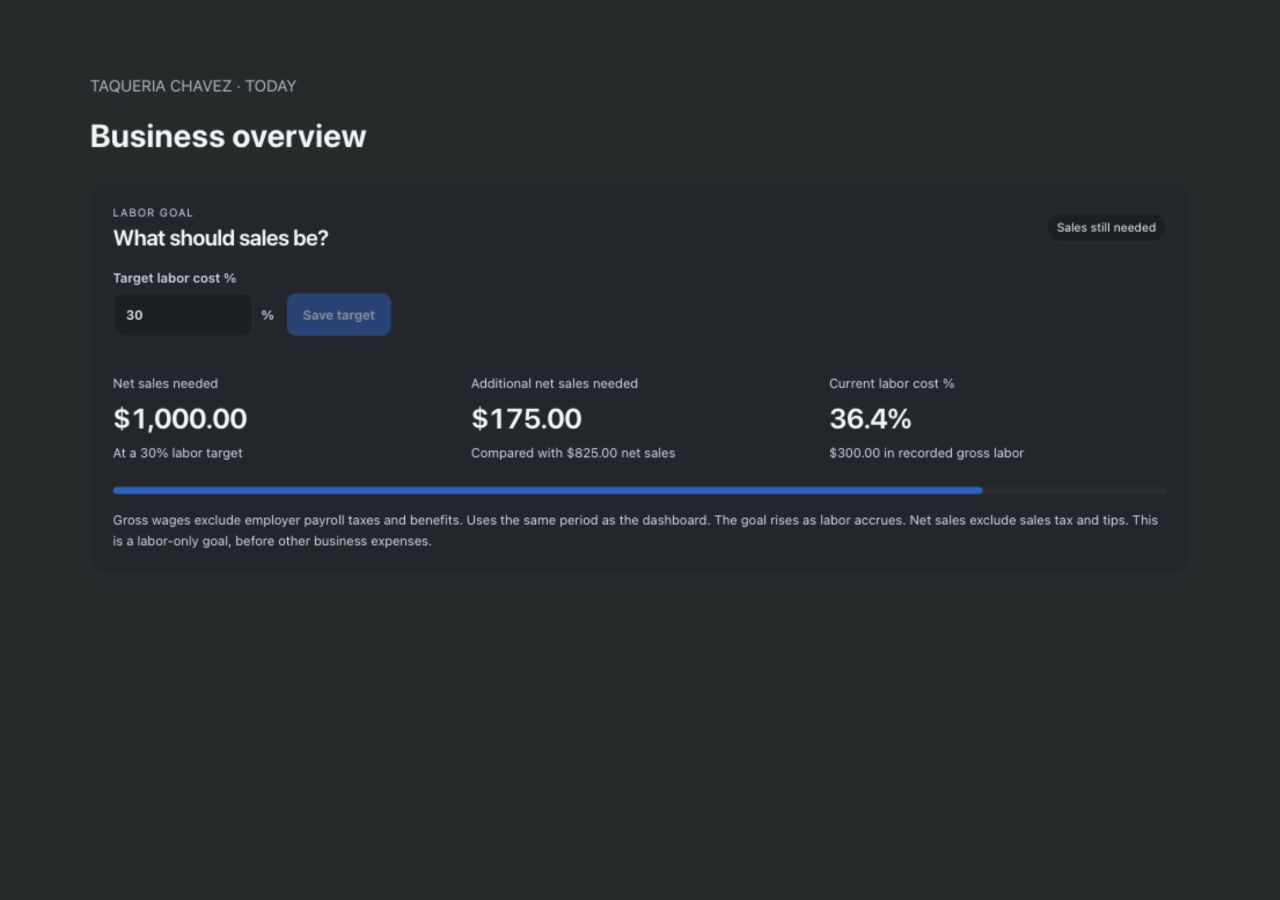
Your target is adjustable. Estimates use recorded gross wages, excluding employer payroll taxes and benefits. Missing wage data is marked as a partial estimate. This is a labor goal, before other business expenses.
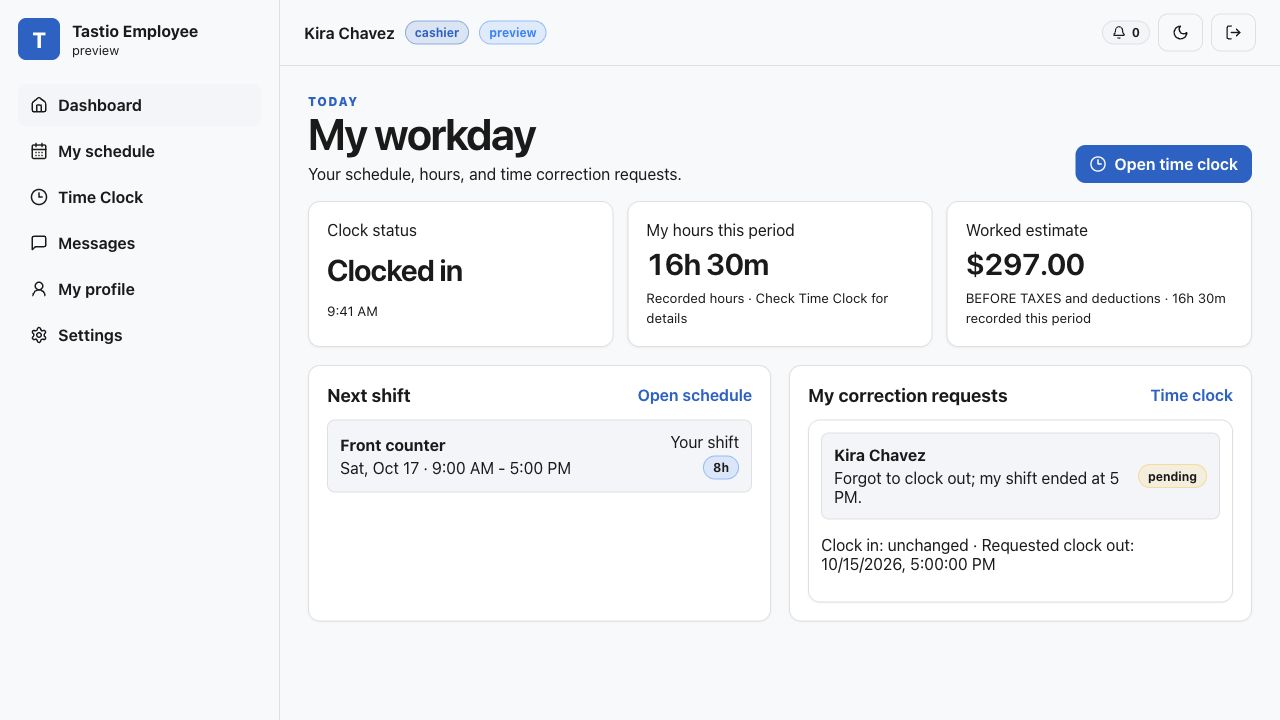
Clear layouts and familiar controls in light and dark mode, with a focused personal view for employees.
We’ll help prepare employee accounts, PINs, locations, and time-clock settings for your operation.
Restaurant software is $0/month. With cash discount enabled, card customers cover processing costs; cash guests pay the cash price. Tastio earns revenue through payment processing. Processing terms and compatible hardware are reviewed during setup.