Help guests choose their meal
Show the options before the order reaches your team.
Present categories, photos, variants, add-ons, bundles, and scheduled promotions under your brand.

Your branded storefront and customer app
Let guests order pickup or delivery, see loyalty, and return to your branded website or app without calling the counter. Manage product options, checkout, and order history through your Tastio setup alongside the POS.
$0/month in software fees through cash discount.
Processing terms are confirmed during onboarding. Bring your own compatible devices.
During the shift
Let customers browse your catalog, see configured rewards, and manage their account through your branded storefront.
Show the options before the order reaches your team.
Present categories, photos, variants, add-ons, bundles, and scheduled promotions under your brand.
Let guests specify how and when they want their order without calling the counter.
Configured pickup and delivery checkout supports scheduling, addresses, coupons, tips, and custom order fields.
Give guests a reason to choose your restaurant again.
Offer loyalty enrollment, a QR pass, points history, milestones, and the rewards configured for your store.
Give guests a place to check progress before they call.
Show confirmations, receipts, order history, and configured delivery status, ETA, tracking, and chat.
Let regulars keep their preferences in their account.
Customers can manage favorites, addresses, reviews with photos, notification preferences, and account details.
Make store and product information discoverable in search.
Indexable menu, product, and location pages give customers a path to your storefront.
For restaurant operators
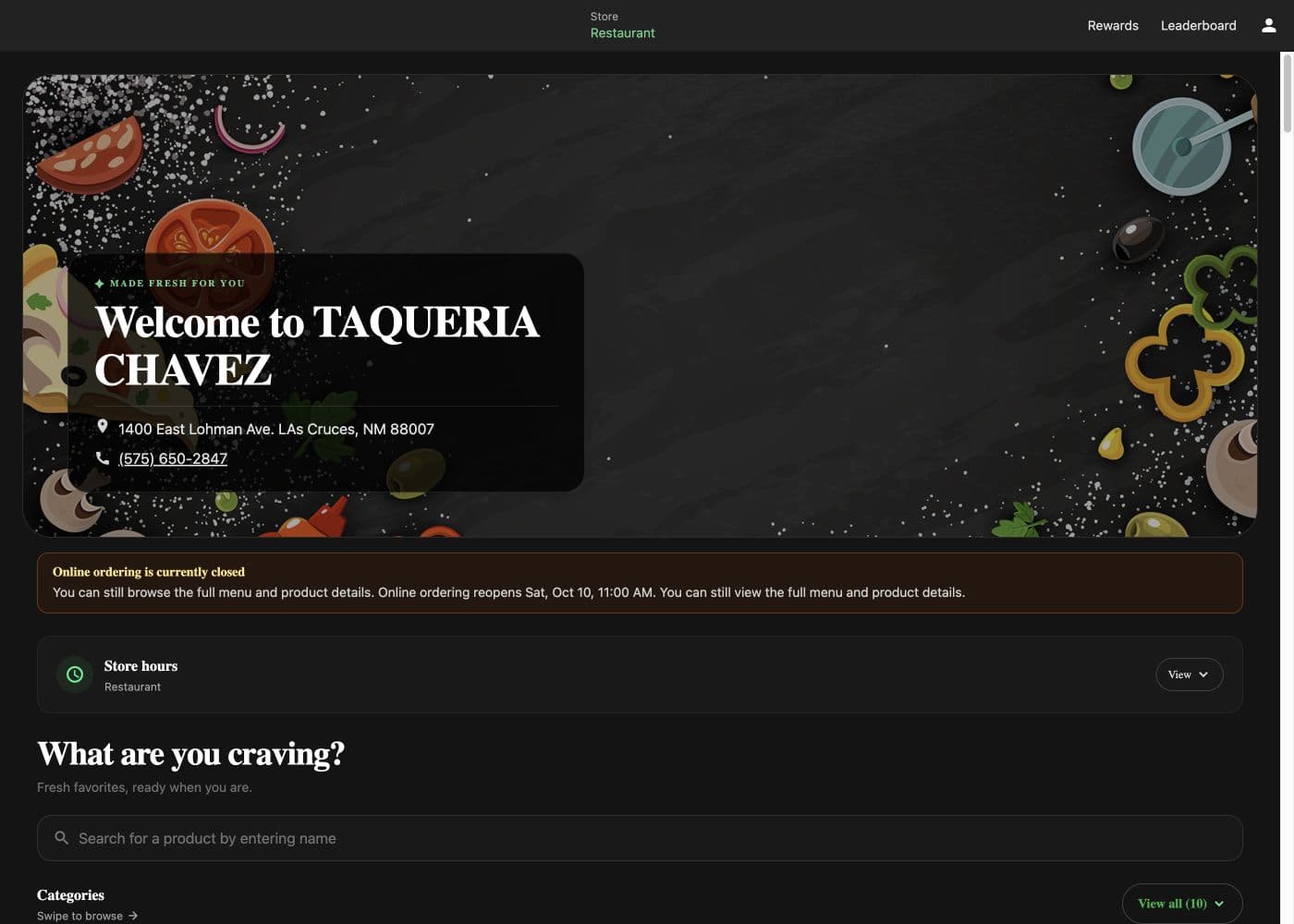
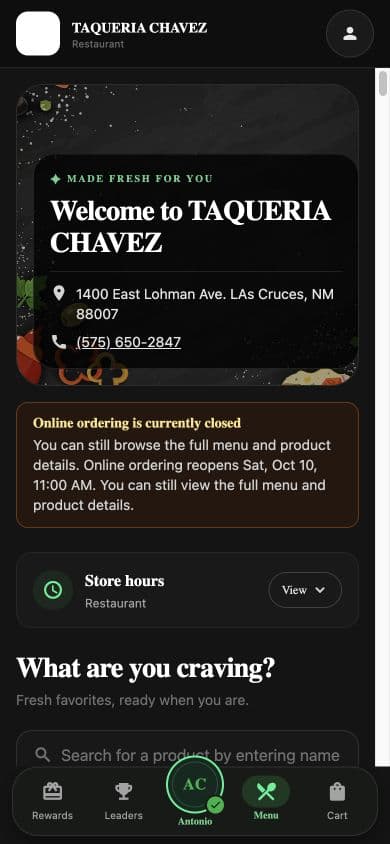
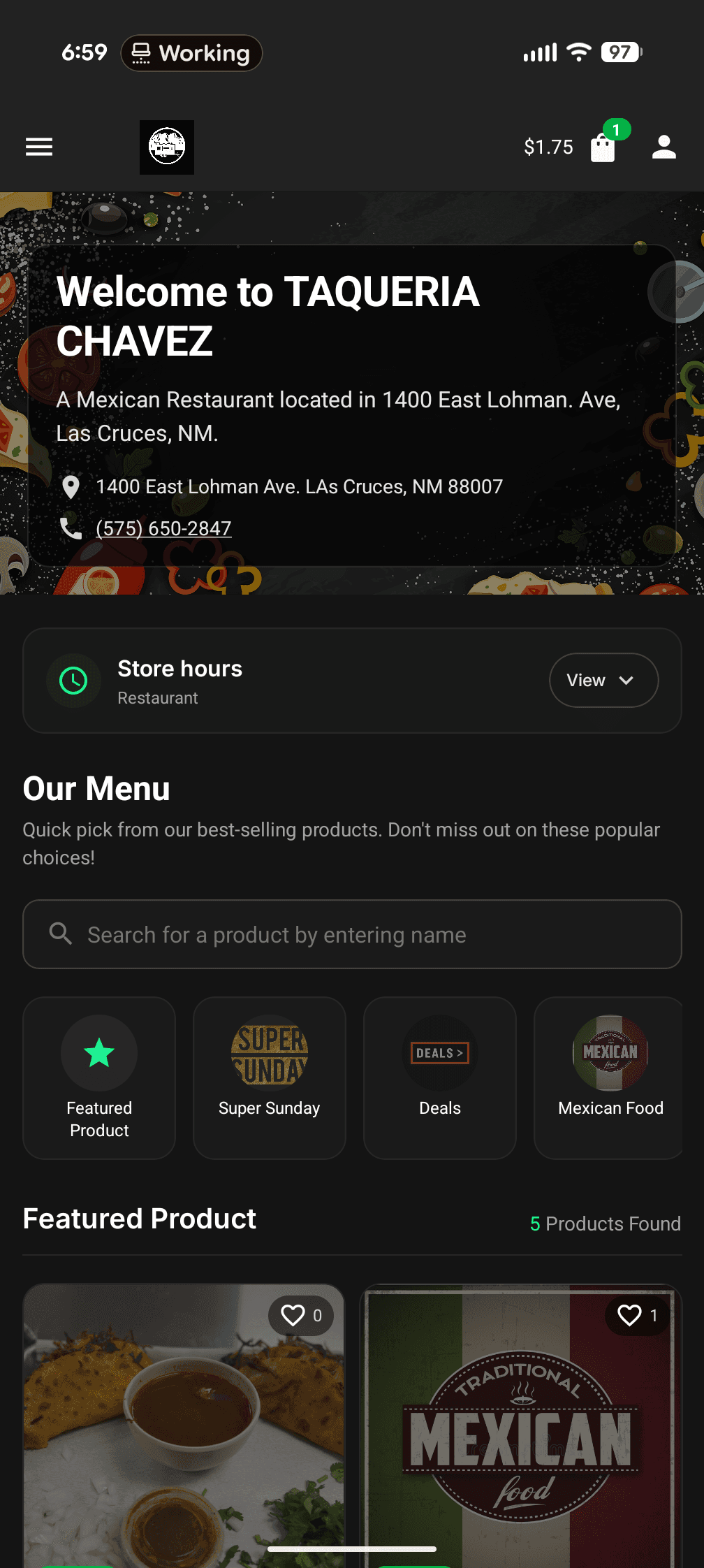
See Taqueria Chavez’s real menu and ordering experience in the Tastio website and customer app above. Your restaurant’s web and mobile experiences share product options, checkout, loyalty, and order history with your Tastio store setup. Payment methods depend on your configured providers and the customer’s device.
SETUP AND TRAINING
Prepare your store information, branding, product catalog, and customer experience permissions.
Enable the supported ordering, loyalty, and notification features for your operation and distribution channel.
Update product information and manage the customer features you enable from the same store setup used by your POS.
Setup with our team
Start with your menu, devices, and cash-discount setup. We’ll help you prepare the register and train your team.
No contracts. Personal setup and training.