01
Keep the ticket details at checkout.
Review the products and customer before completing the ticket.
Choose from your cannabis catalog, look up the customer, and print configured labels and receipts at checkout.
Explore Cashier POS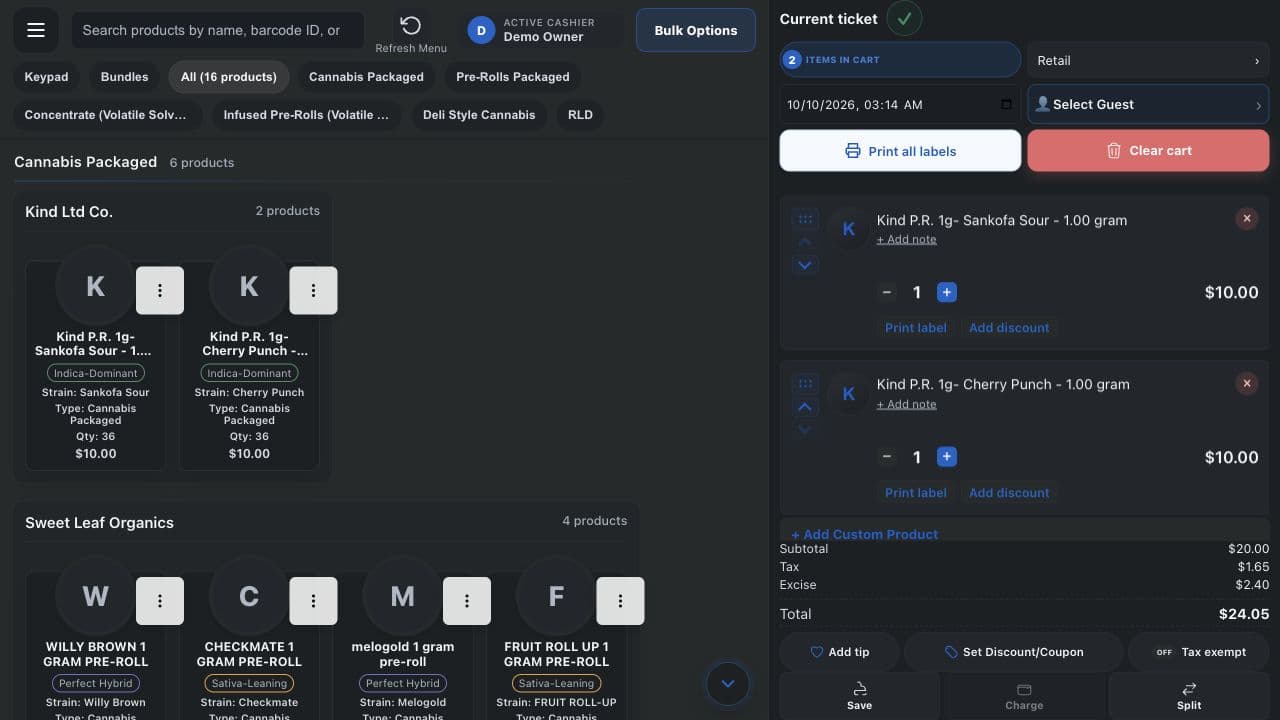
Sell from your cannabis catalog, sync NMS2S inventory, enforce purchase limits in eligible online checkout, and print labels. Call the developers who configured your system for setup help and support at the counter.
POS preview with Global Terp Club products · sample data
Browse Global Terp Club’s Tastio storefront to see its cannabis catalog and store information.
Global Terp Club · New Mexico dispensaryReview the products and customer before completing the ticket.
Choose from your cannabis catalog, look up the customer, and print configured labels and receipts at checkout.
Explore Cashier POSHelp reduce the risk of compliance issues with NMS2S inventory sync and purchase-limit checks in eligible online checkout.
Readiness checks block affected checkout flows when required information or integrations are incomplete.
Explore NMS2S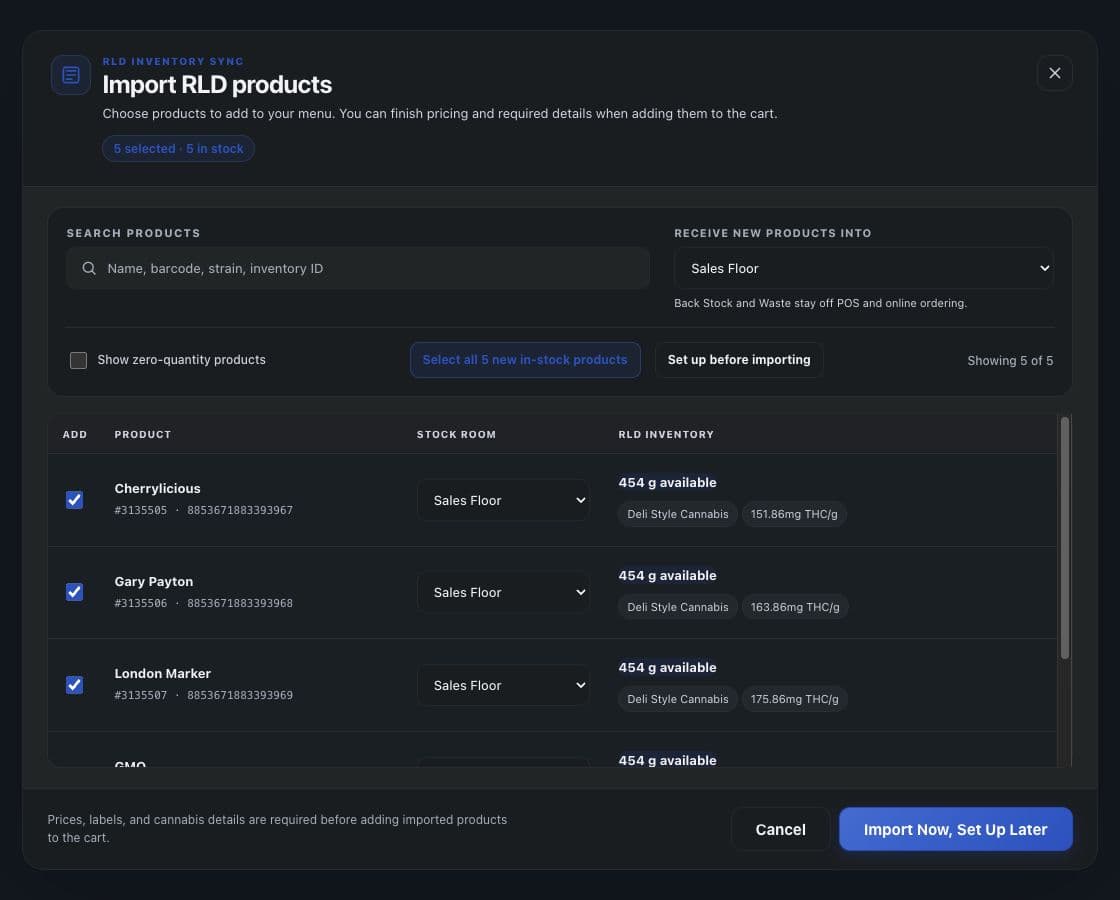
Let customers review your cannabis catalog and store information under your own brand.
Our team confirms eligible online commerce and the required setup before activation.
Explore online ordering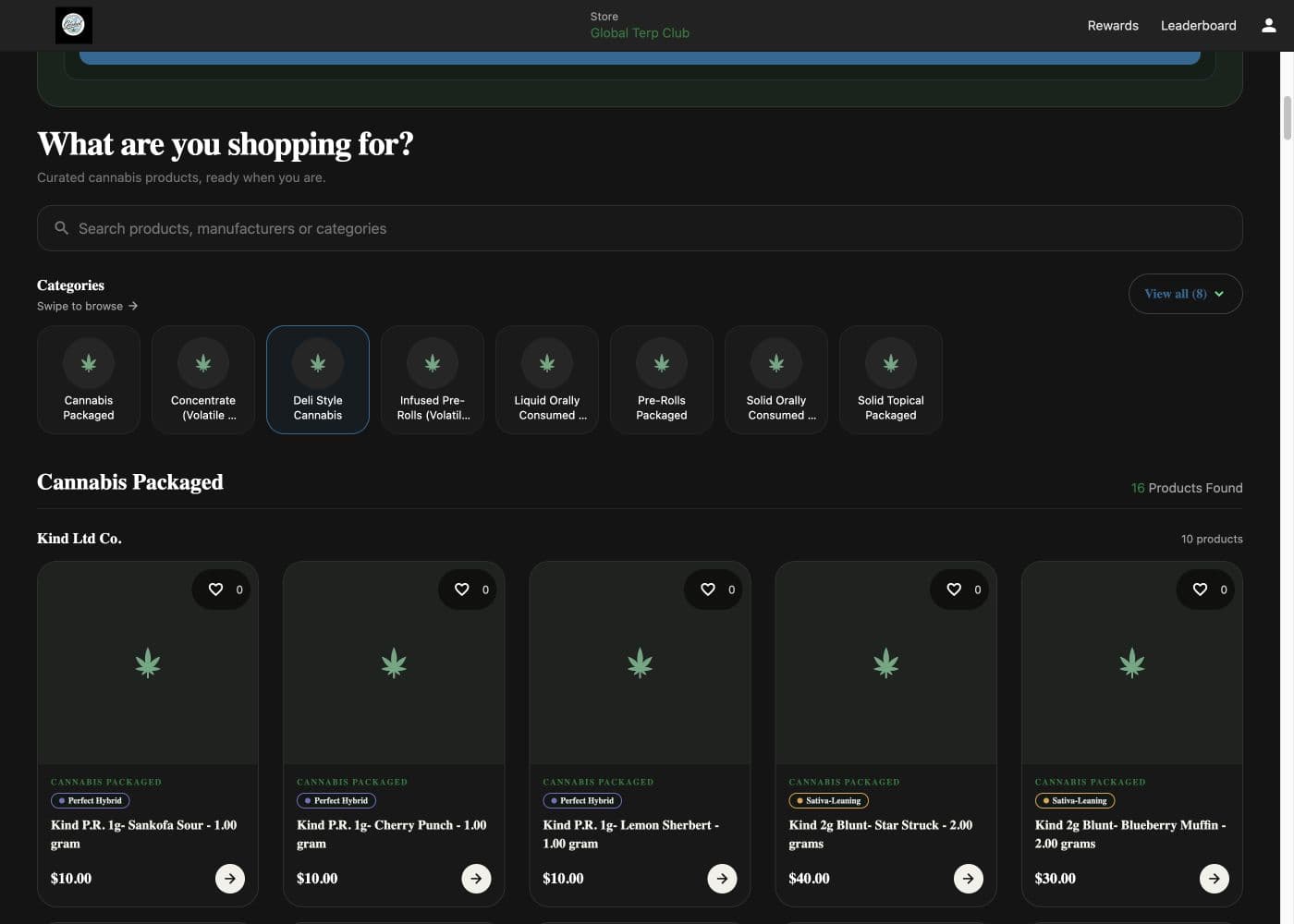
Make clock-ins, breaks, and the end of a shift easy to reach.
Employees see their own hours and schedule. Managers review punch corrections and recorded labor alongside sales.
Explore Employee Management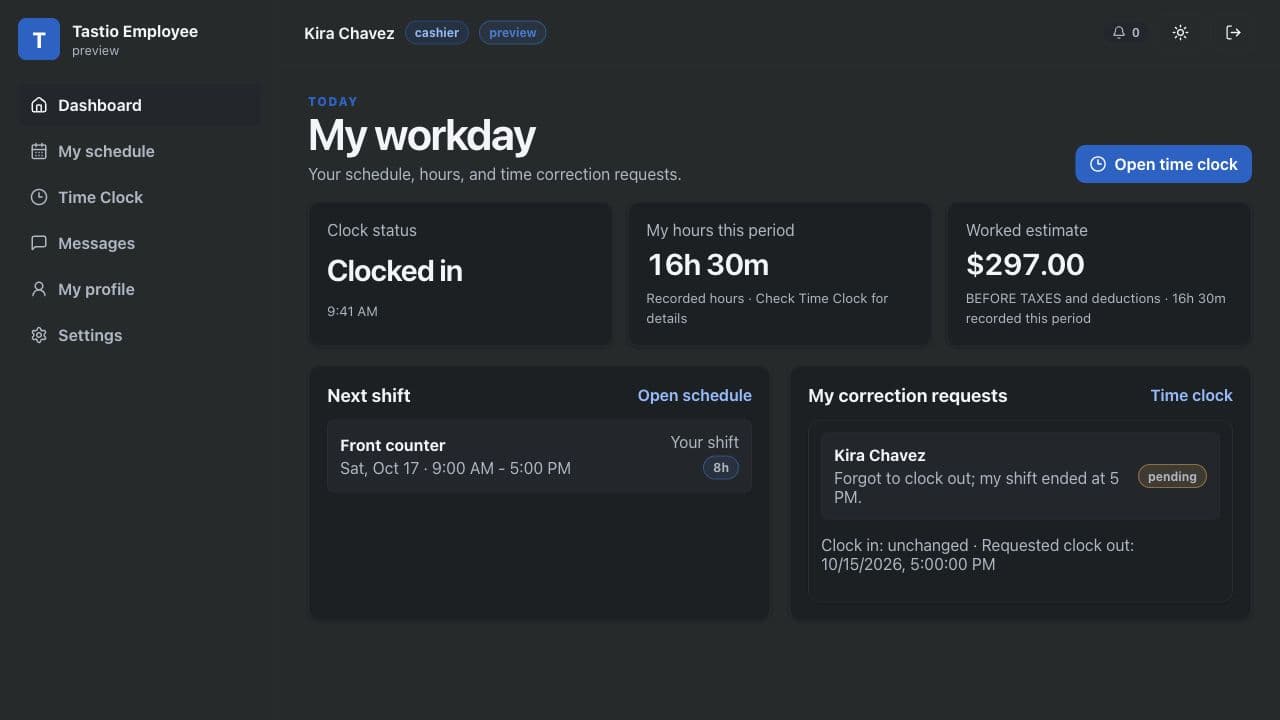
A 2-minute-12-second cannabis POS walkthrough: inventory import, guest check-in, product setup, ticket notes, label previews, cash checkout, and reporting navigation. Tastio Connect is $300/month. Pro adds your branded mobile app at $400/month.
No contracts. Run Cashier on compatible Windows Desktop or Android devices; we confirm peripherals during setup.
Online ordering, point of sale, Digital MenuBoard, and personal setup and support.
Monthly software subscriptionSetup and billing confirmed before activation.
Tastio Connect, Digital MenuBoard, and your branded mobile app.
Monthly software subscriptionSetup and billing confirmed before activation.
More than one location? Ask about custom multi-location pricing ↗
NMS2S is New Mexico’s required track-and-trace system, administered by RLD’s Cannabis Control Division. Inventory sync, purchase-limit enforcement in eligible online checkout, label printing, and readiness checks help reduce the risk of compliance issues.
Explore NMS2S & support Official RLD NMS2S resources ↗We install Tastio, configure your location, NMS2S integration, and labels, then check inventory and required workflows before you start using them.
Hands-on training covers daily sales, labels, and troubleshooting, including what staff should do during an interruption.
You get direct phone access to the developers who built Tastio and helped configure your store. Call them for help with your setup or a problem at the counter.
Tastio Connect is $300/month. Pro adds your branded mobile app at $400/month.
Bring compatible Windows Desktop or Android devices. We help check printer models, scanners, and peripheral connections.
Verify your email and submit your setup. We guide you through approval and provisioning.
Configure your store, practice sales with your staff, and call the developers when you need help.
Download Tastio Point of Sale on the compatible Android tablet you already use with Cova. You can often keep your supported Zebra label printer and barcode scanner, too.
Start with the app download. Our team helps connect your devices, configure labels, and test printing and scanning. Once your workspace is approved and configured, sign in and start using Tastio.
Reuse depends on confirmed models, connections, and successful printing and scanning tests for your setup.
Tastio interface preview · Global Terp Club product catalog
Keep a compatible tablet. We check its Android version and access to install Tastio.
Reuse supported models and connections. We configure your labels and run a real print test.
Keep a supported scanner. Printer-connected setups may need a different connection to the tablet.
No. Tastio does not require a contract. Pick the setup that fits your business.
Download Tastio Point of Sale on the compatible Android tablet you already use with Cova. You can often keep your supported Zebra label printer and barcode scanner, too. We confirm models, connections, and printing and scanning tests before you switch. Some printer-connected scanners need a different connection. Browser detection is a starting point; the team confirms printing and scanning in the native Tastio app.
Tastio Connect is $300/month. Pro adds your branded mobile app at $400/month. No contracts. Bring your own compatible devices.
We configure your location, sync inventory, set up label printing, and check required integrations. Eligible online checkout enforces purchase limits and blocks affected flows when readiness checks fail. Hands-on training and direct phone access to developers help your staff operate and troubleshoot the system.
Store-distributed cannabis apps are informational directories. Eligible web and approved direct Android experiences can support configured commerce. Cannabis prepayment and delivery require separately verified identity, NMS2S, and regulatory integrations.
Review your NMS2S setup, labels, and compatible hardware directly with the developers.
Book a demo Download Cashier Watch the walkthrough Get started Talk directly to our team